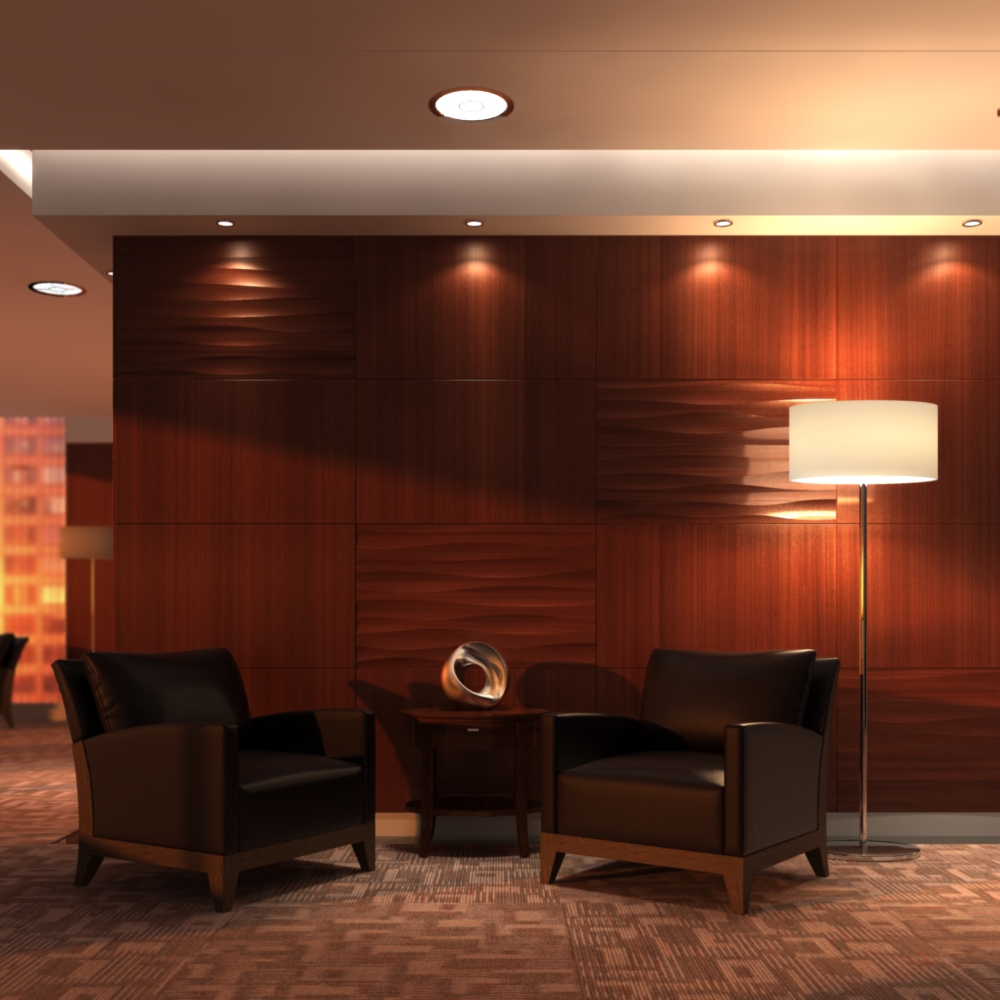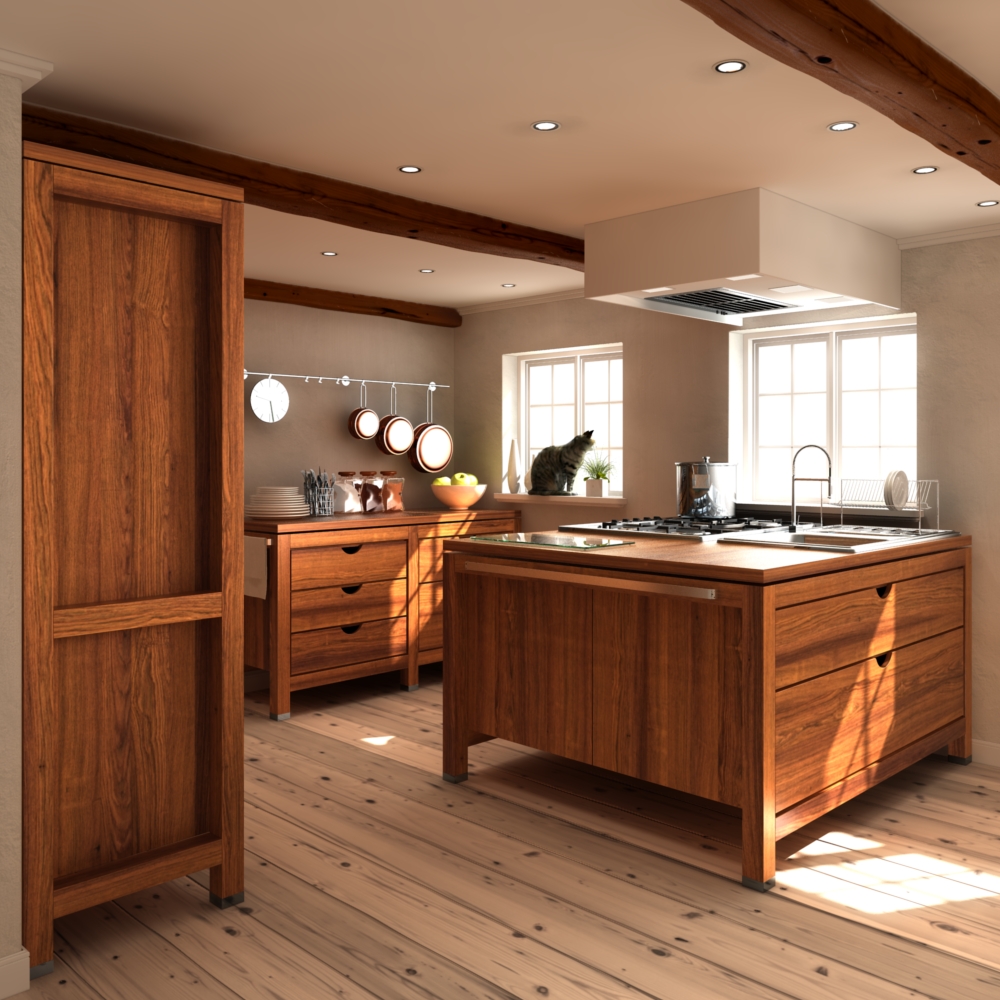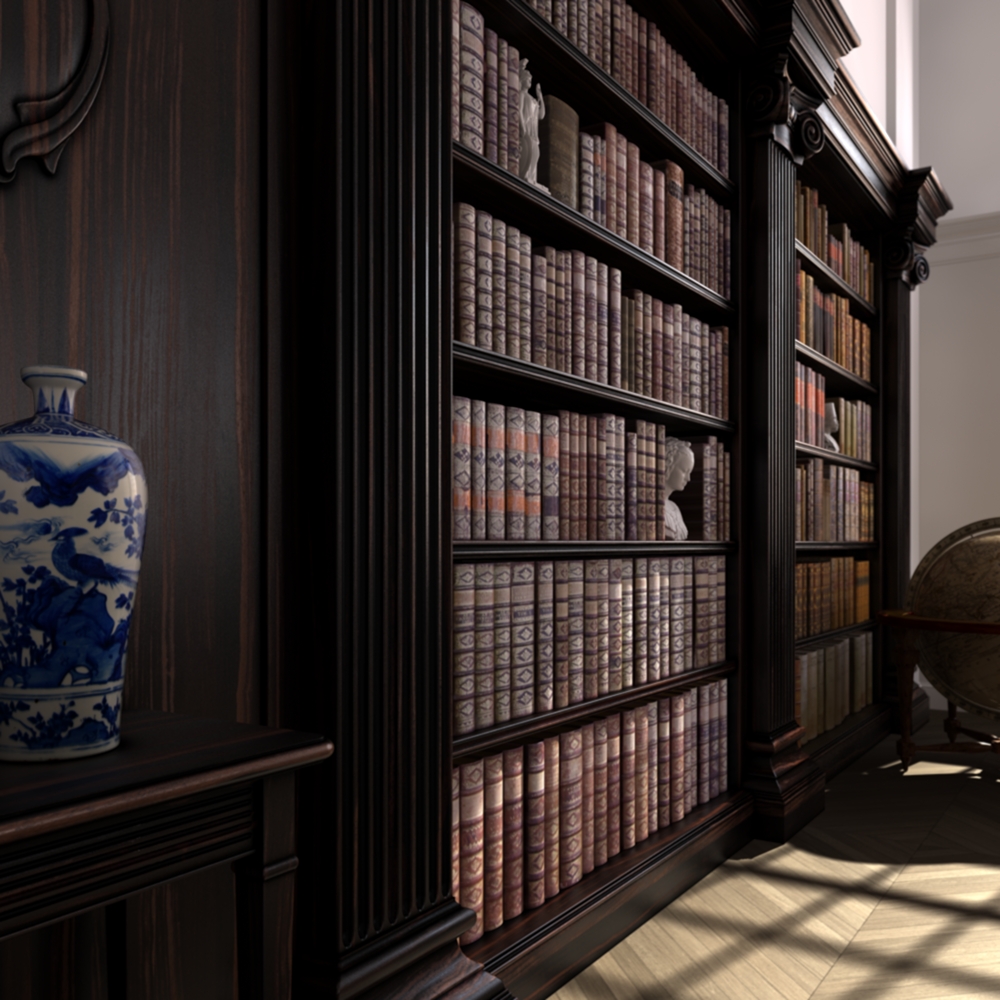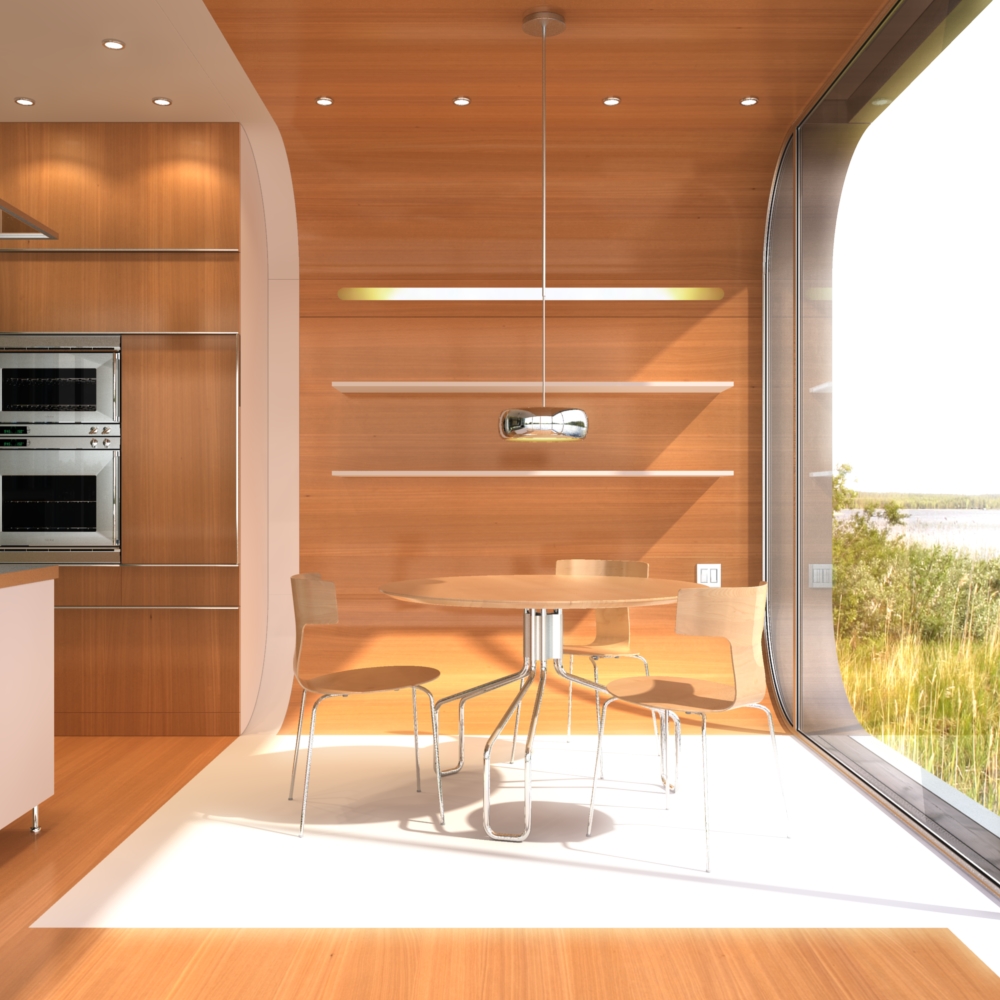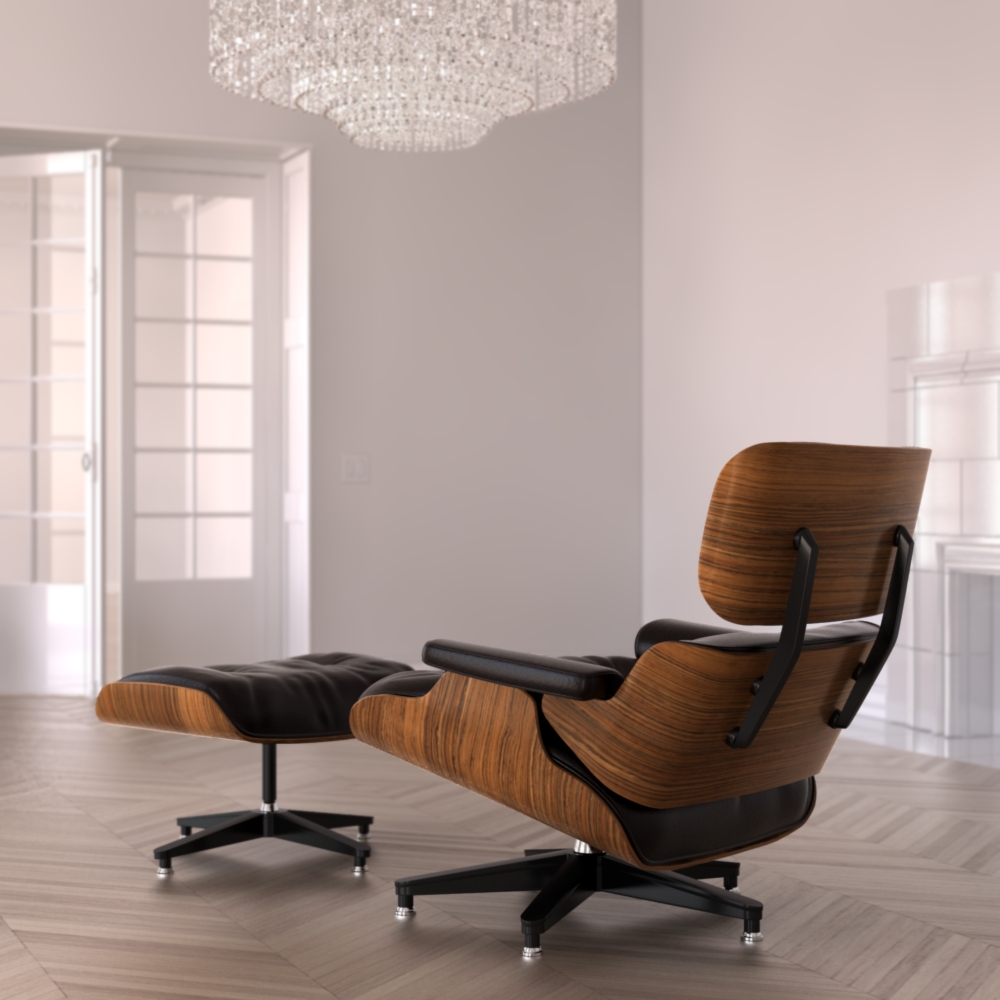

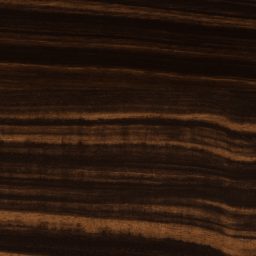
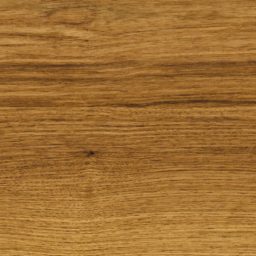
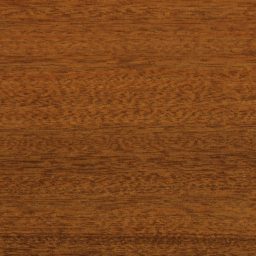

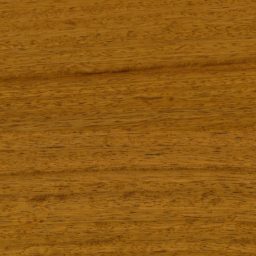
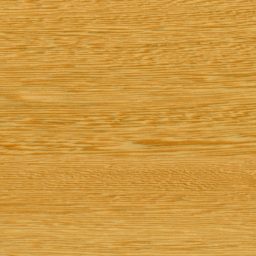
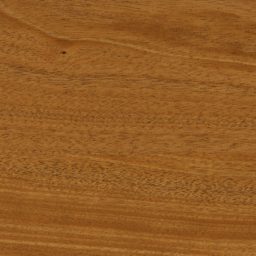
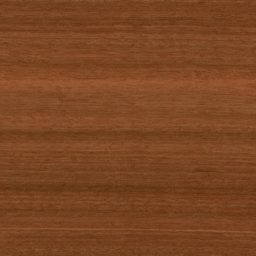
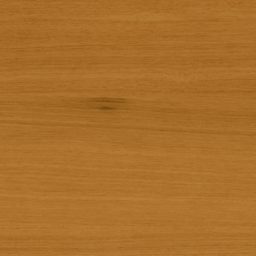
Why this remaster?
Our original Wood Veneers series was released between 2008 and 2010 to great success. It is still the most complete and, in our opinion, best collection of wood textures on the market. But a lot has changed since then in the 3D visualization business. Unbiased rendering gained market dominance which lead to a much greater focus on physical realism in general. Even in real-time visualization, physically based rendering is now a common approach.
We have also learned a lot in the past years and developed new methods and techniques to capture materials and create textures that allow for photo-real rendering results. We therefore decided to use that knowledge and experience to produce an updated version of our veneer collection; to bring the textures up-to-date with our current workflow and the standard of quality for which we aim.
Upgrade
What’s new?
Color-accurate diffuse maps
The scanning process we originally used to produce these veneer textures didn’t allow for truly color-accurate results. Some of the original diffuse maps can appear over-saturated when used with current rendering techniques. To fix that, we used our current color-accurate scanning process to re-capture original veneer samples and use them as a reference to re-balance the color information of all diffuse maps.
New & Improved Maps
The updated version of the textures includes normal maps to better reproduce the fine surface detail in wood grain. These maps were also created from the re-captured reference samples.
The updated reflectivity maps now follow the absolute scale for physical materials (adjusted to IOR 1.5) and can therefore be used as-is in physically-based rendering.
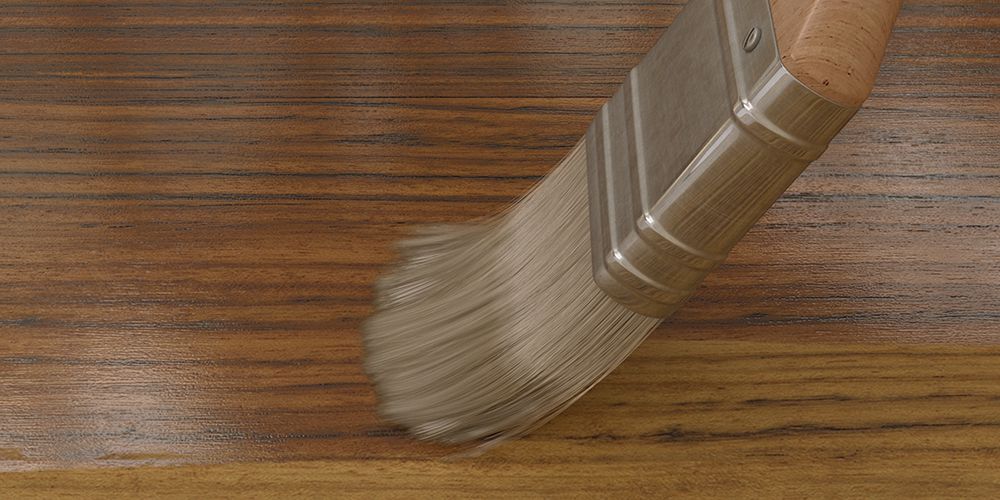
Untreated version of the diffuse map
In addition to finished veneer samples, we also scanned untreated samples, which allowed us to create an accurate ‘raw’ version of the diffuse map for every veneer. This map can be useful when recreating different kinds of less saturation/contrast enhancing finishes.
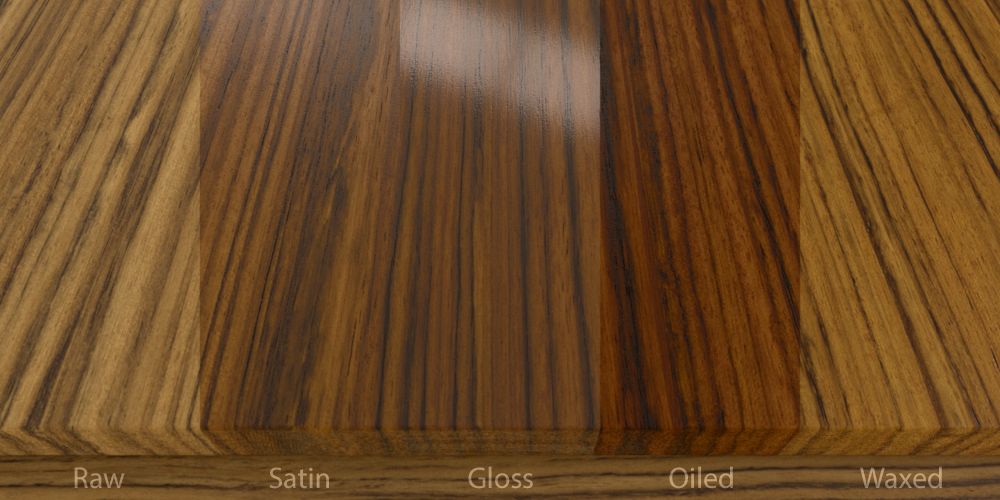
New ready-to-use materials
We have included ready-to-use material setups for Corona Renderer™ (for 3ds Max™ 2017+), as well as Maxwell Render™ (3.1+). There is a raw, satin, gloss, oiled* and waxed* version for every veneer (*Corona only).
What hasn’t changed?
Included are the same 33 veneer species and types. The maps real-world size and resolution are unchanged. All maps remain therefore compatible with the original versions, should you prefer them over the new ones.
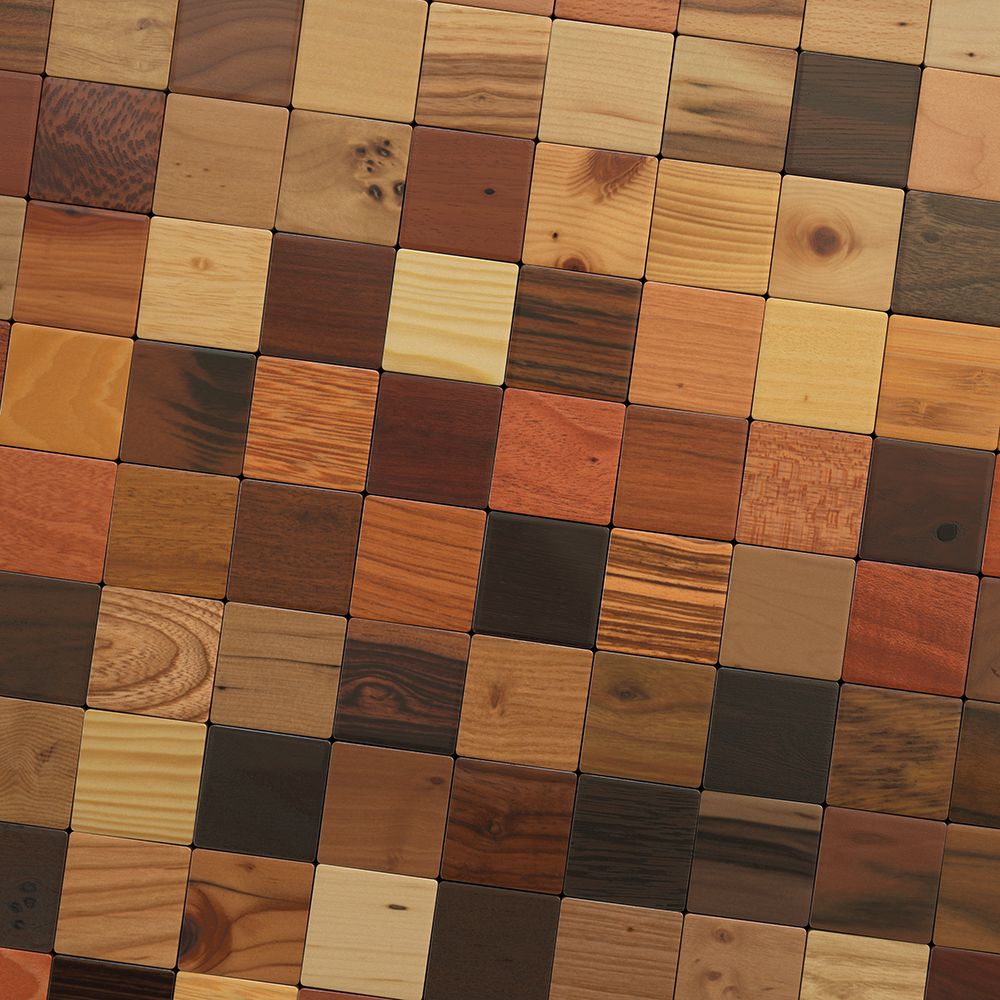
Exotic Veneers
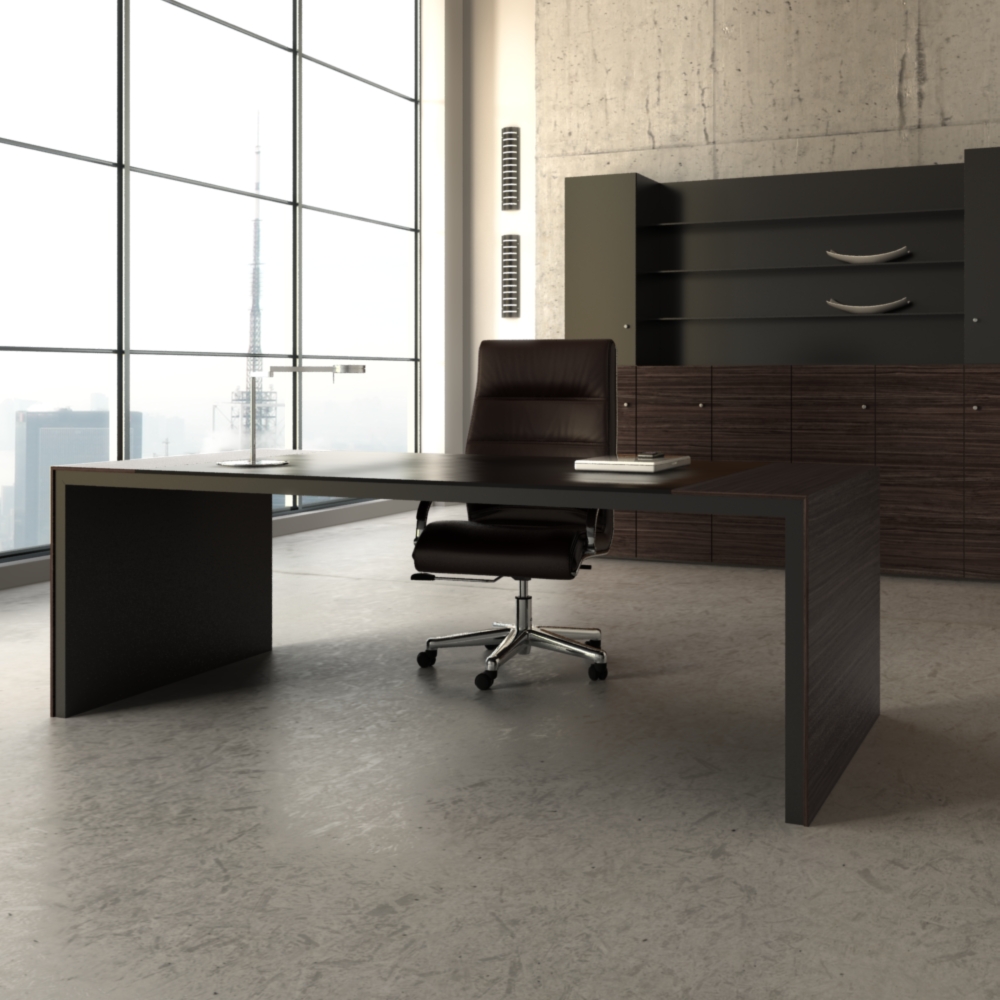
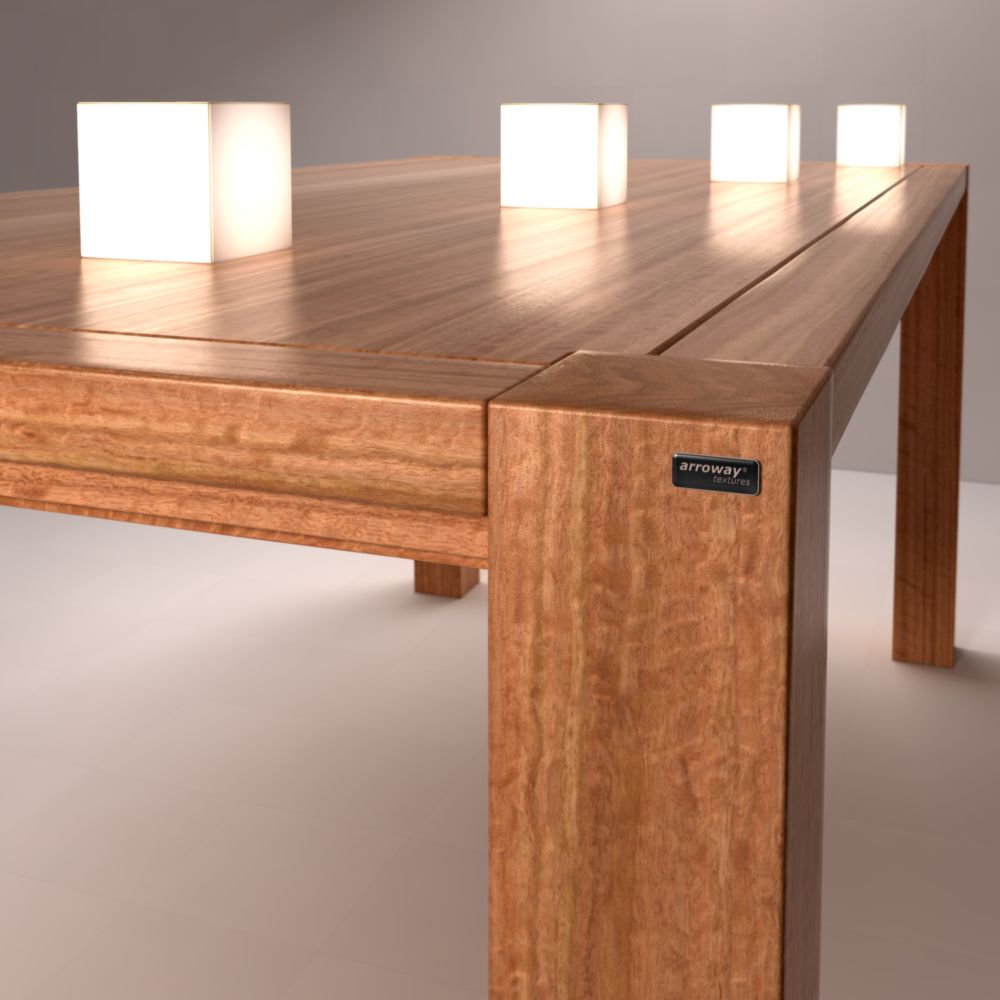
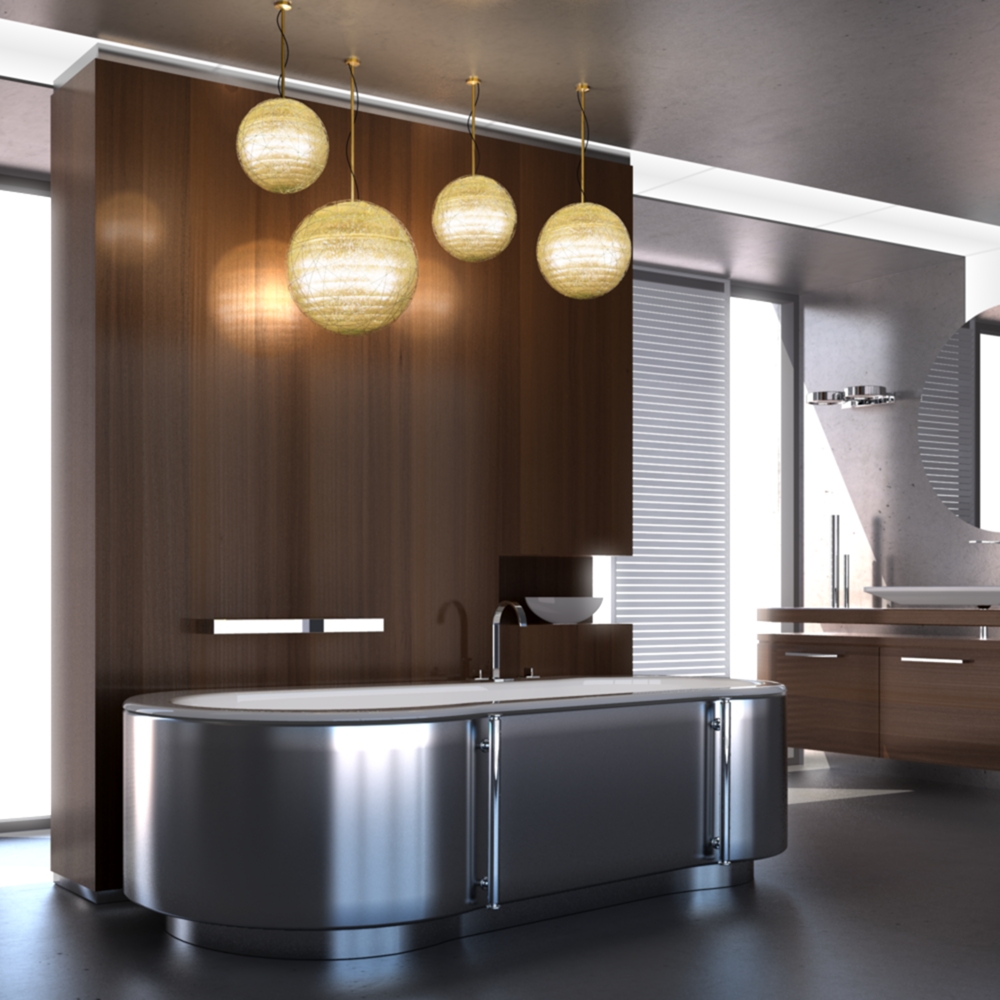
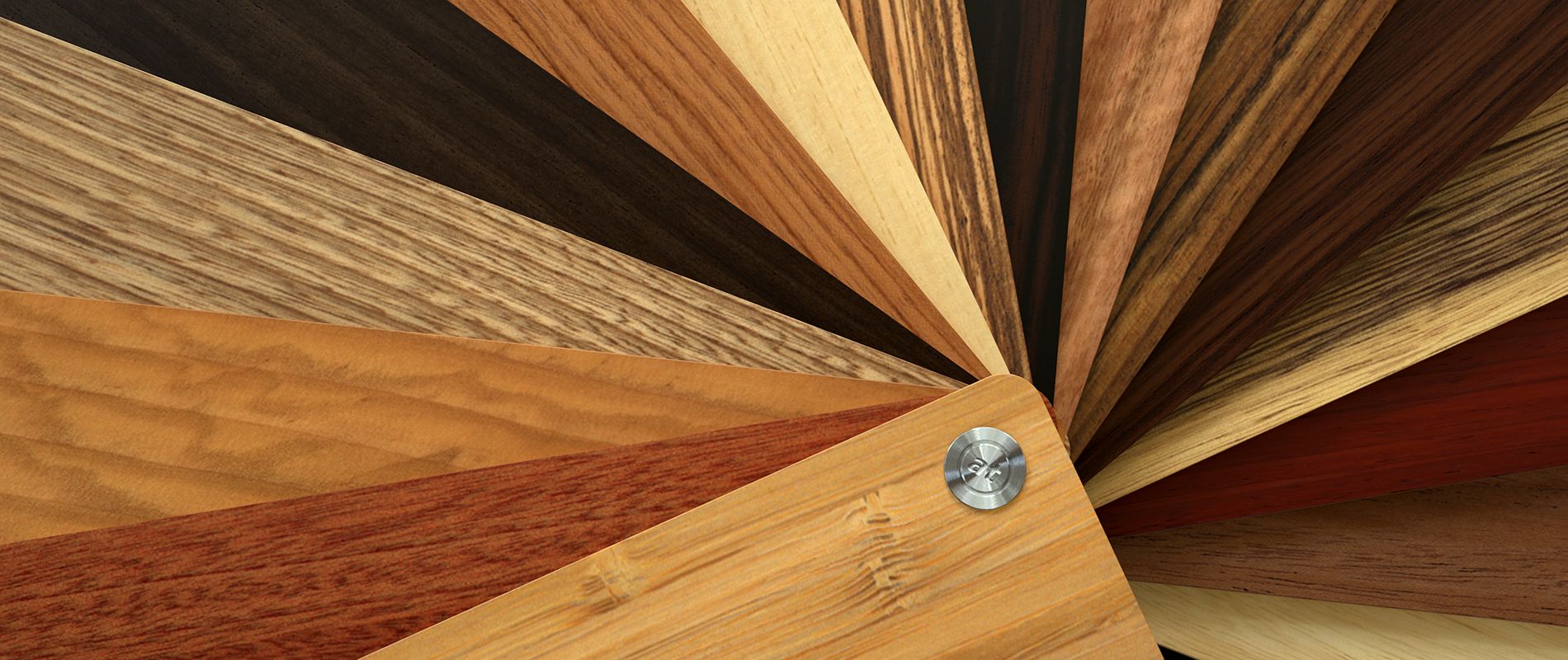
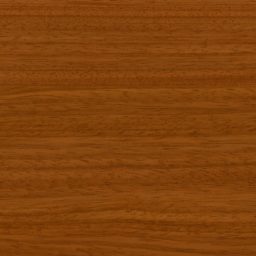
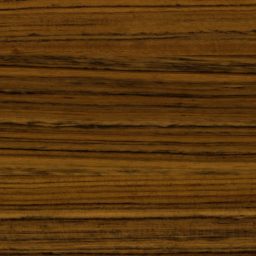
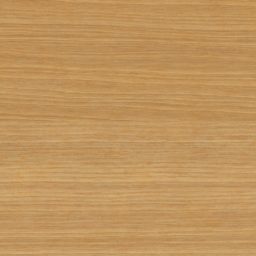
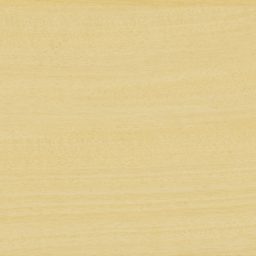
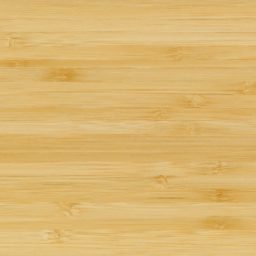
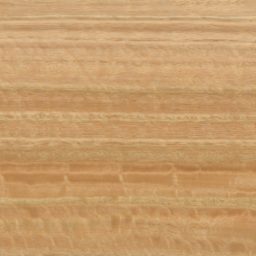
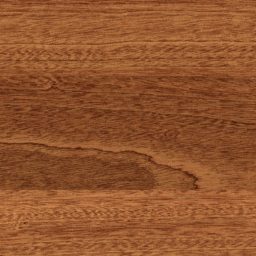
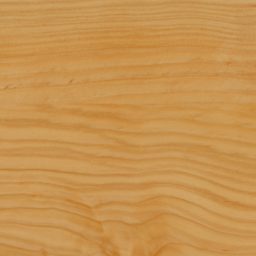
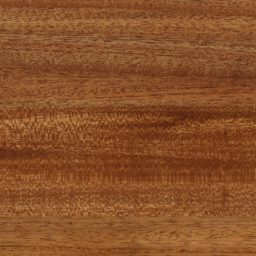
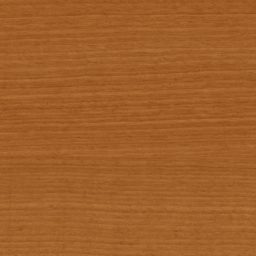
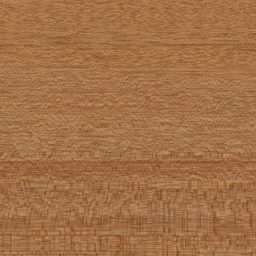
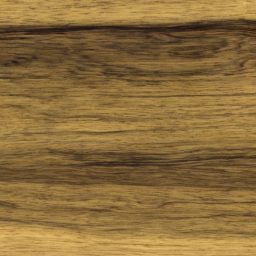
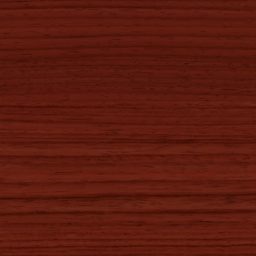
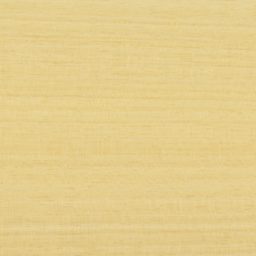
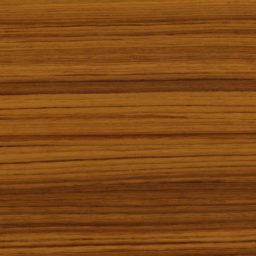
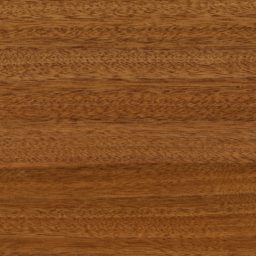
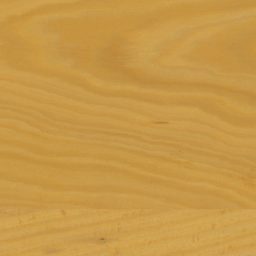
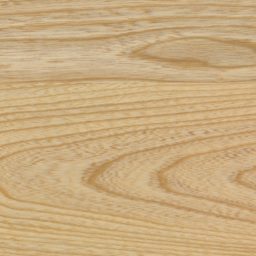
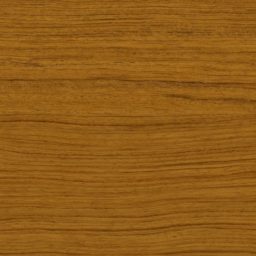
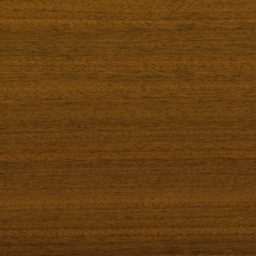
The collection contains large-scale veneer textures of 33 wood species from Africa, Asia, Australia and the Middle East, such as:
Afara, Afrormosia, Afzelia, Amazakou, Aningeria, Antiaris, Bamboo, Blue Gum, Bubinga, Lebanon Cedar, Macassar Ebony, Freijo, Gedu Nohor, Guarea, Iroko, Lati, Mahogany, Makore, Mansonia, Merbau, Moabi, Okoume, Olive, Padauk, Pterygota, Rosewood, Sapele, Satinwood, Sen, Teak, African Walnut, Wenge and Zebrano.
Area vs. Resolution
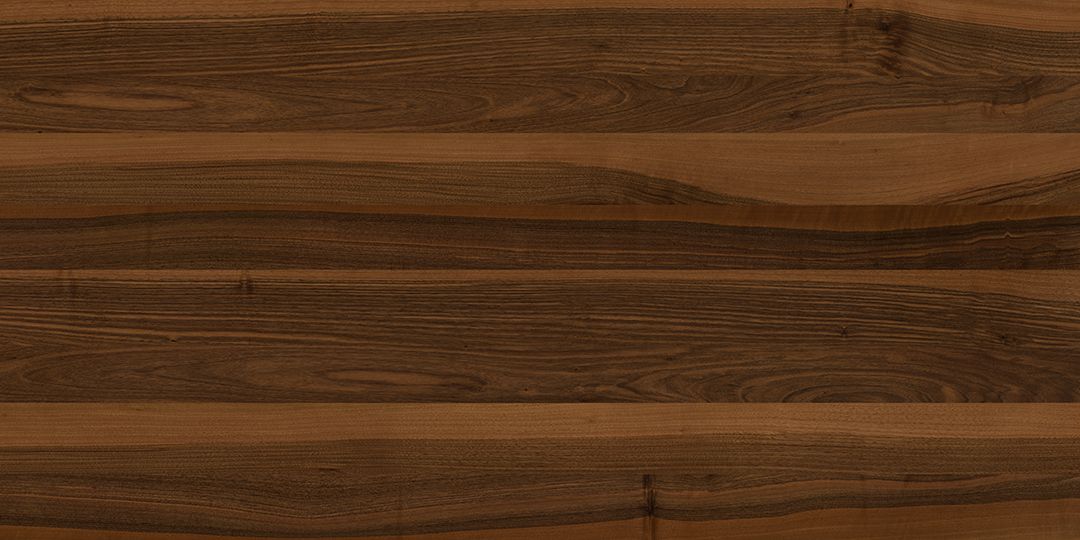
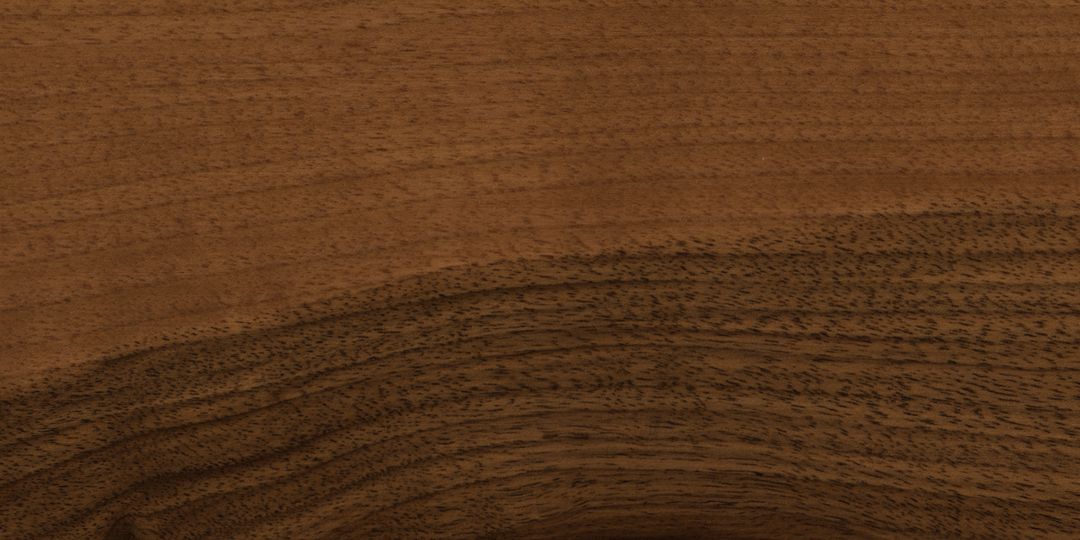
Each of these consists of three textures sets with different real-world size and resolution:
- approx. 3m x 4m (10ft x 13ft) at 51dpi (6000px x 8000px)
- approx. 3m x 1m (10ft x 3ft) at 85dpi (10000px x 3300px)
- approx. 3m x 0.3m (10ft x 1ft) at 127dpi (15000px x 1800px)
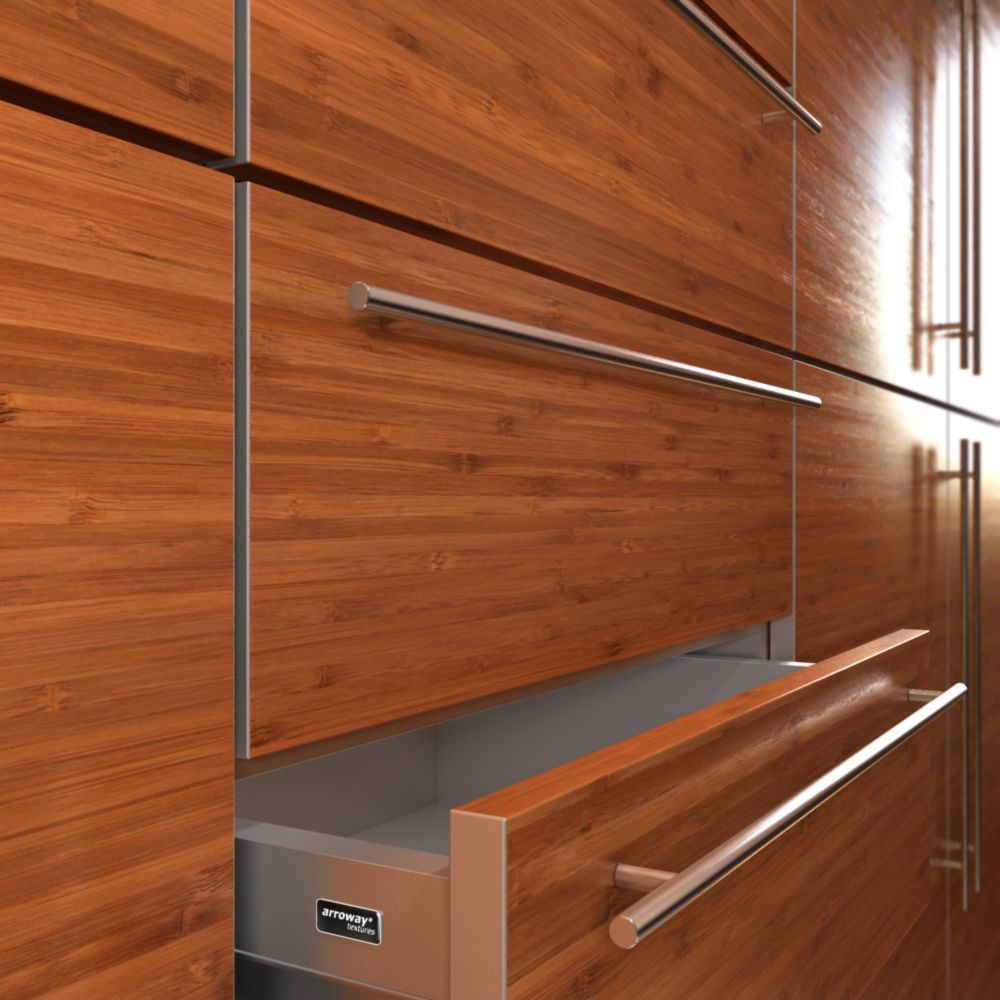
Because of these different scale variations, the textures can be used in a very broad range of applications – from large-scale wall paneling down to furniture close-ups.